Why Your Home Solar System Fails During Power Outages (And How Battery Backup Fixes It)
Updated:
Picture this: It’s 2 AM, a storm knocks out power in your neighborhood, and while your neighbors scramble for flashlights, your home stays lit, your refrigerator keeps running, and your family sleeps soundly. That’s the peace of mind a solar battery backup system delivers, and honestly, it’s one of the best investments I’ve made in my own home.
A solar battery backup system stores excess energy your solar panels generate during sunny days, then automatically kicks in when the grid goes down. Unlike traditional solar setups that shut off during outages (yes, even with panels on your roof), a battery backup keeps your essential circuits powered for hours or even days, depending on your system size and usage.
The beauty of these systems lies in their flexibility. You’re not just preparing for emergencies. You’re also reducing reliance on expensive peak-hour electricity, potentially eliminating your power bill entirely, and gaining energy independence that feels surprisingly liberating. I remember the first time my system seamlessly switched over during an outage. My neighbor texted asking if my power was out too, and I genuinely hadn’t noticed.
Here’s what makes this technology accessible right now: battery prices have dropped significantly over the past five years, hybrid inverters that manage both solar and battery storage have become more user-friendly, and many regions offer tax credits or incentives that slash upfront costs by 30 percent or more.
The key is understanding your actual backup needs versus your wishlist. Running your entire home requires a substantially larger investment than keeping your refrigerator, internet, and a few lights operational. Most homeowners find that a 10-15 kWh battery paired with proper load management covers essential needs beautifully without breaking the bank.
Whether you’re planning a DIY installation or working with professionals, getting your system sized correctly from the start saves thousands in avoided upgrades later. Let’s walk through exactly how these systems work and how to choose the right setup for your home.
What Makes a Hybrid Solar Inverter Different
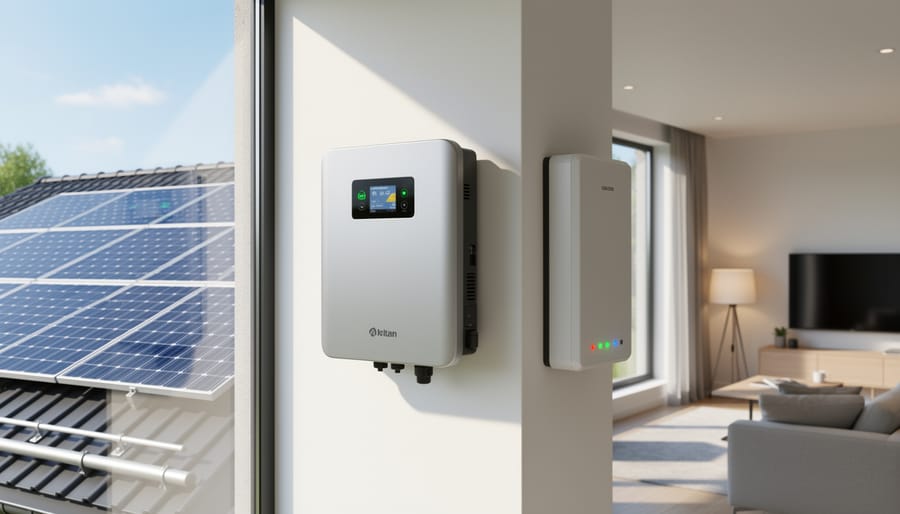
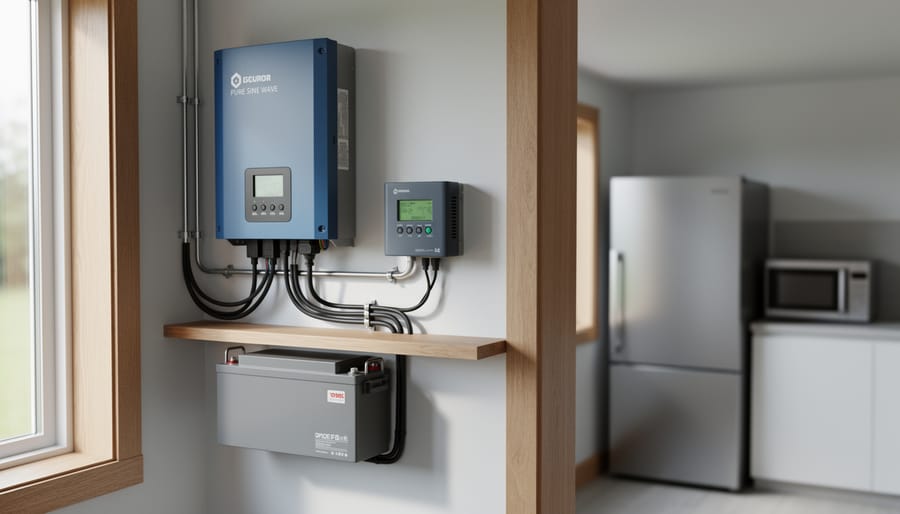
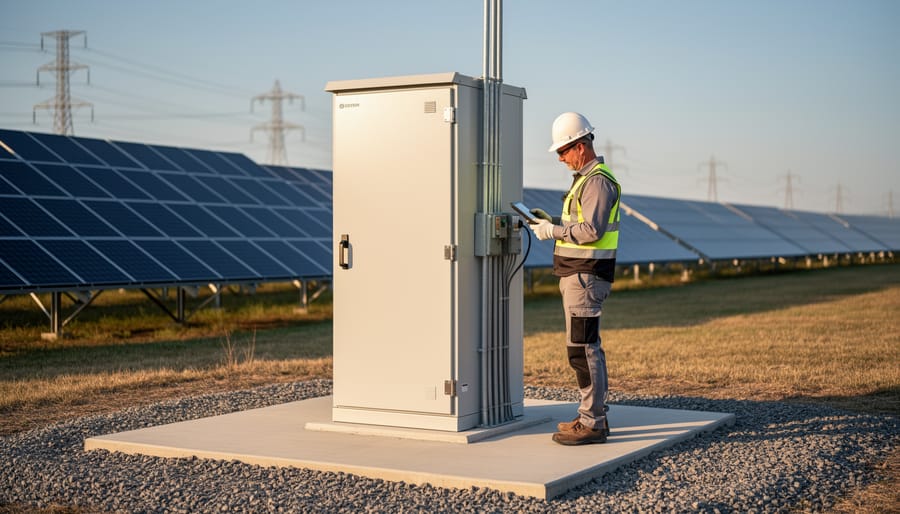
A hybrid solar inverter serves as the central control unit, managing power flow between solar panels, batteries, and your home.
The Three Jobs Your Hybrid Inverter Does
Think of your hybrid inverter as the ultimate multitasker in your solar battery backup system. While most equipment does one job well, this device juggles three critical functions simultaneously, and understanding them helps you appreciate why it’s the brain of your backup power setup.
First, your hybrid inverter converts DC power to AC power. Solar panels and batteries store energy as direct current (DC), but your home runs on alternating current (AC). The inverter bridges this gap, transforming the stored battery power into electricity your appliances can actually use. Without this conversion happening in real-time, your refrigerator, lights, and devices wouldn’t receive usable power during an outage.
Second, it handles managing battery charging and discharging cycles. The inverter monitors your battery’s state constantly, determining when to charge it from excess solar production and when to draw power from it. This intelligent management prevents overcharging (which damages batteries) and deep discharging (which shortens their lifespan). I learned this the hard way years ago when a basic charge controller let my first DIY battery system discharge too deeply, reducing its capacity significantly.
Third, the inverter seamlessly switches between grid power and battery power. When the grid goes down, your hybrid inverter detects the outage within milliseconds and switches to battery mode so smoothly you might not even notice your lights flickered. When grid power returns, it transitions back just as effortlessly while simultaneously beginning to recharge your batteries.
These three functions working together create a reliable, automatic backup system that requires virtually no intervention from you during power outages.
Grid-Tie vs. Hybrid: A Real-World Comparison
Let me paint you a picture. It’s 9 PM on a Tuesday, and the power goes out on your street.
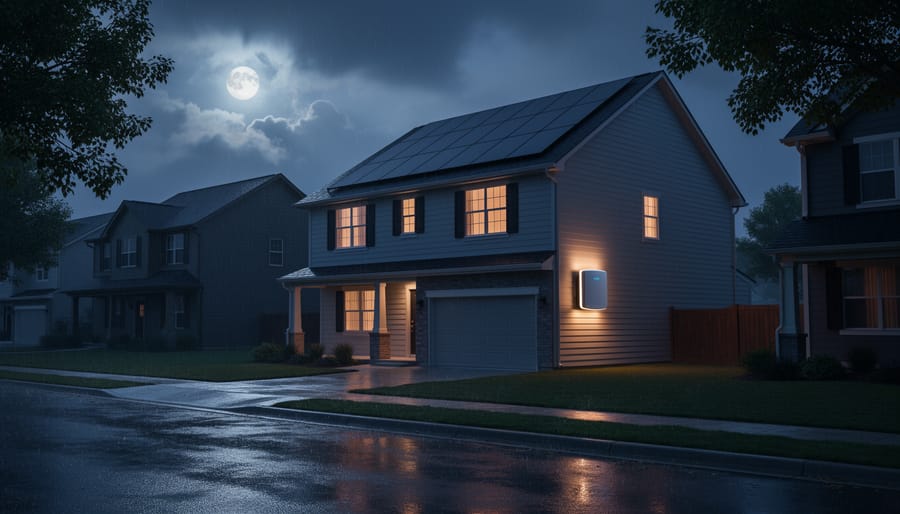
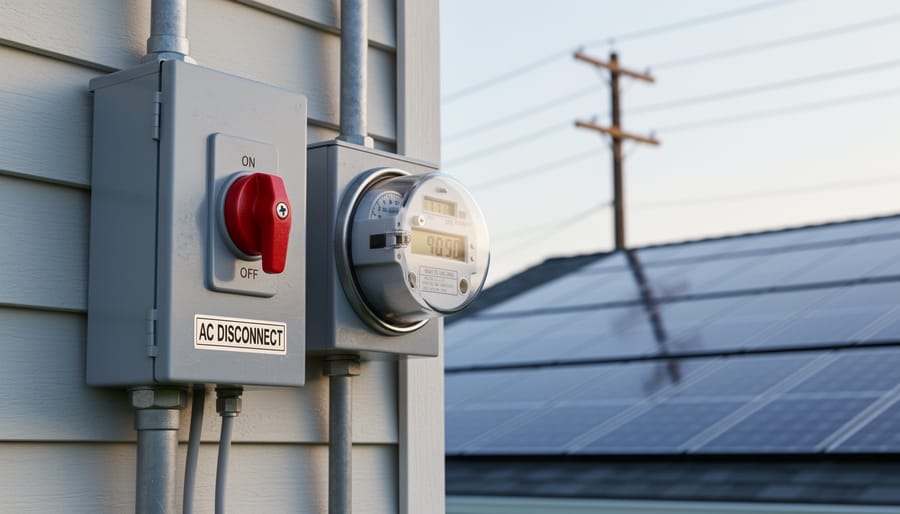
With standard grid-tie inverters, your solar panels immediately shut down for safety reasons, even if the moon is shining bright. Your house goes dark along with your neighbors. No lights, no refrigerator, no Wi-Fi. You’re essentially in the same boat as everyone else, despite having panels on your roof.
Now imagine the same scenario with a hybrid system and battery backup. The power cuts, but within milliseconds, your battery kicks in. Your lights stay on, your refrigerator keeps humming, and you’re still streaming your favorite show. Your neighbors might even ask if you have a generator running.
I experienced this firsthand during a summer storm last year. While my block sat in darkness for six hours, my hybrid system kept my essentials running smoothly. The kids didn’t even notice the outage until they looked outside.
The key difference? Grid-tie systems save you money but offer zero backup. Hybrid systems cost more upfront but deliver true energy independence when you need it most.
How Solar Battery Backup Systems Actually Work
Sunny Day Operations: Where Your Power Goes
When the sun is shining and your solar panels are generating power, your system follows a smart priority system that ensures every watt gets put to good use. Think of it like a water distribution system where the most important needs get filled first.
Here’s how the hierarchy works in real-time: Your home’s immediate power needs always come first. If you’re running the dishwasher, charging your laptop, or keeping the air conditioning humming, those demands get satisfied before anything else happens. Your solar panels essentially become your primary power source during daylight hours.
Once your home’s needs are met, any excess solar generation flows to your battery bank. This is the second priority, and it’s where the magic of backup power begins. Your batteries charge up, storing that surplus energy for later use when the sun goes down or the grid fails. Depending on your battery capacity and solar production, this charging typically happens throughout the morning and early afternoon when generation exceeds consumption.
Only after both your home’s immediate needs are satisfied and your batteries are fully charged does any remaining power get sent back to the utility grid. If you have net metering with your utility company, you’ll receive credits for this exported electricity, turning your excess production into future savings.
I installed my system three years ago, and watching this priority cascade happen automatically each day never gets old. During summer months, my batteries are usually topped off by noon, and I’m exporting power to help my neighbors while banking credits for winter.
When the Grid Goes Down: Your Backup Kicks In
Picture this: you’re watching TV when suddenly the lights flicker and die. Your neighbor’s house goes dark, but inside yours, the lights stay on. What just happened? Your solar battery backup system seamlessly took over in milliseconds.
Here’s the magic of modern systems: the automatic transfer switch constantly monitors your grid connection. When it detects an outage—usually within 10 to 20 milliseconds—it instantly disconnects your home from the grid and signals your battery system to start powering your circuits. This happens so fast that sensitive electronics like computers rarely even notice.
I remember the first time I experienced this with my own setup. A storm knocked out power to the neighborhood, and I honestly didn’t realize anything had happened until my wife mentioned the streetlights were out. We just kept cooking dinner like nothing changed.
Your battery inverter immediately begins converting stored DC power into the AC electricity your appliances need. Most systems prioritize critical loads first—things like refrigerators, medical equipment, and communication devices. Meanwhile, solar panels (if the sun’s still shining) can continue charging your batteries even during the outage, extending your backup time significantly beyond what the batteries alone could provide.
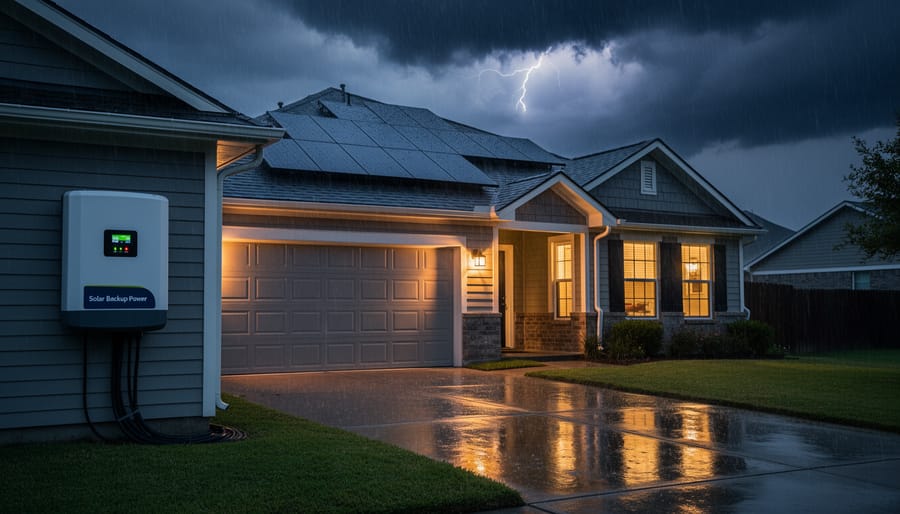
Solar battery backup systems keep your home powered even when severe weather knocks out grid electricity.
Night and Cloudy Days: Battery Discharge Mode
When the sun sets or clouds roll in, your solar panels can’t generate electricity, but your home still needs power. This is where your battery backup system really earns its keep. During these periods, your system automatically switches to discharge mode, pulling stored energy from your batteries to keep everything running smoothly.
Here’s how it typically works: Your hybrid inverter constantly monitors battery levels and home energy demand. It prioritizes using battery power first, which means you’re maximizing the solar energy you captured earlier. I remember Charles mentioning how satisfying it is to watch his home run entirely on stored sunshine well into the evening, knowing he’s not drawing from the grid.
Most systems are programmed to maintain a minimum battery reserve, usually around 20%, to preserve battery health and ensure you have emergency backup power. Once your batteries drop to this threshold, the system seamlessly switches to grid power. You won’t notice any interruption—the lights stay on and your devices keep working.
The beauty of this setup is its intelligence. During extended cloudy periods, your system balances between battery discharge and grid power, automatically optimizing based on your settings and electricity rates.
Sizing Your Battery Backup: How Much Storage Do You Really Need?
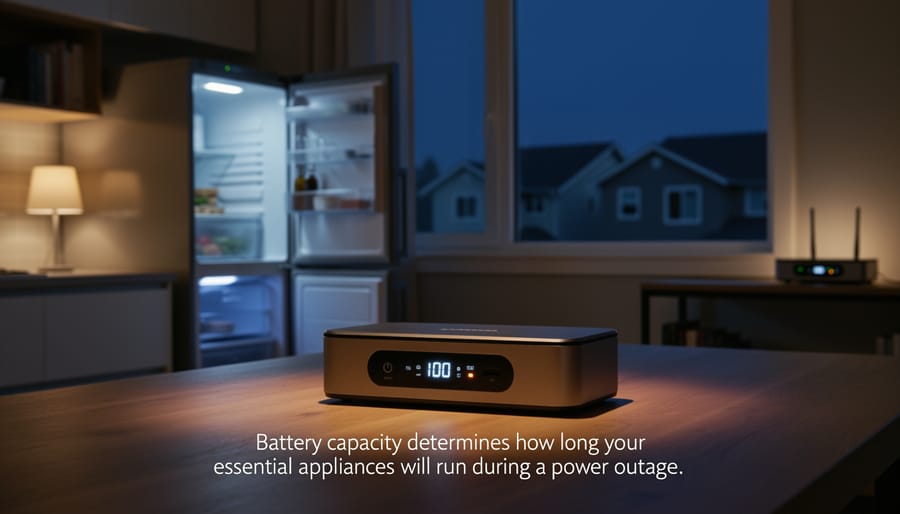
Battery capacity determines how long your essential appliances will run during a power outage.
Calculate Your Essential Load
Before sizing your battery backup system, you need to know what you’re actually powering during an outage. I learned this the hard way when I first installed my system and realized I’d dramatically underestimated what my family actually needed to stay comfortable!
Start by walking through your home with a notepad. Ask yourself: what absolutely needs to stay on during a power outage? Your refrigerator is probably number one. That 12-hour clock starts ticking the moment power cuts, and nobody wants to lose hundreds of dollars in groceries. From there, think about lighting, phone charging stations, your internet router if you work from home, and maybe a few creature comforts like a coffee maker or TV.
Here’s where the math comes in. Every appliance has a wattage rating, usually found on a label on the back or bottom. Common power draws include:
Refrigerator: 100-800 watts (varies with size and efficiency)
LED light bulbs: 10-20 watts each
Laptop charger: 50-100 watts
Internet router: 10-20 watts
Coffee maker: 800-1200 watts
Sump pump: 800-1500 watts (critical for some homes!)
Well pump: 500-2000 watts
Add up the wattage of everything you’d run simultaneously during an outage. This gives you your essential load in watts. Don’t forget to factor in surge power for motors and compressors, which can draw 2-3 times their running wattage when starting up. This total becomes the foundation for sizing your battery capacity correctly.
Hours of Backup: Finding Your Sweet Spot
Here’s the thing about backup power – there’s no one-size-fits-all answer. I learned this the hard way during my first installation when I way overbuilt my system (my wallet still remembers).
Start by thinking about your local grid reliability. If you’re in California with planned shutoffs or coastal areas prone to storm outages, you might need 12-24 hours of backup. For most of us with occasional 2-4 hour outages, 8-12 hours hits the sweet spot.
Consider what you actually need to power during an outage. Running your entire home for 24 hours requires a massive (and expensive) battery bank. But keeping your fridge, a few lights, internet router, and maybe a window AC unit going? That’s totally doable with a more modest setup.
Your budget matters too. Each additional hour of backup capacity means more batteries, and batteries aren’t cheap. I always tell folks to prioritize critical loads first, then scale up if budget allows.
Our solar calculator tool can help you crunch these numbers based on your specific usage patterns and local outage history. Plug in your details and it’ll recommend a realistic backup duration that balances protection with practicality. Most homeowners find that 12 hours covers 90% of outage scenarios without breaking the bank.
The 50% Rule and Battery Longevity
Here’s something I learned the hard way during my first battery installation: just because a battery says it holds 10 kWh doesn’t mean you should actually use all 10 kWh. Think of it like your smartphone – constantly draining it to zero every day significantly shortens its lifespan.
This is where the 50% rule comes in handy. Most battery manufacturers recommend limiting your depth of discharge to around 50% for maximum longevity. So that 10 kWh battery? Plan your system around using only 5 kWh regularly.
Depth of discharge refers to how much of your battery’s total capacity you actually drain during use. Discharging to 50% instead of 100% can literally double or triple your battery’s lifespan – we’re talking 10-15 years instead of 5-7 years with deep cycling.
Modern lithium batteries handle deeper discharges better than older lead-acid types, and some manufacturers even guarantee 80% depth of discharge. However, sticking closer to 50% for daily use gives you that extra buffer during extended outages and keeps your investment running longer, making the math work better in your favor.
Critical vs. Whole-Home Backup: Making the Right Choice
Setting Up a Critical Load Panel
Here’s a secret that can save you thousands of dollars and dramatically reduce your battery requirements: a critical load panel. Instead of backing up your entire home during an outage, you select only the essential circuits you actually need.
Think of it as creating an emergency-only electrical system. A critical load panel is essentially a secondary breaker box that receives power from your battery backup system. You decide exactly which circuits connect to it, typically things like your refrigerator, a few lights, internet router, and maybe a critical medical device if needed.
Charles installed one in his system and shares this insight: “I initially thought I’d need a massive 20 kWh battery bank to run my whole house. Then I actually calculated what I needed during outages. Refrigerator, some LED lights, phone chargers, and my home office setup came to about 1,500 watts. Suddenly, a 10 kWh battery made sense, and I cut my costs nearly in half.”
What should you include? Start with true essentials: refrigeration to prevent food spoilage, lighting for safety and comfort, internet and communication devices, and any medical equipment. Skip the electric water heater, central air conditioning, electric stove, and clothes dryer. These energy hogs will drain batteries quickly.
Most electricians can install a critical load panel for $500-1,500 depending on complexity. The upfront cost pays for itself by letting you purchase smaller, less expensive battery systems. Charles recommends creating two lists: what you want during outages versus what you actually need. The difference might surprise you.
When Whole-Home Backup Makes Sense
While whole-home battery backup represents a significant investment, certain situations absolutely justify the extra cost. If you live in an area with frequent, extended power outages—I’m talking multiple days rather than hours—having enough capacity to run your entire home becomes less luxury and more necessity. When I helped my neighbor in rural Montana set up his system, those 48-hour winter outages made the decision pretty straightforward.
Medical needs are another clear-cut scenario. If anyone in your household relies on electrically powered medical equipment, you really can’t compromise on backup capacity. The peace of mind alone makes it worthwhile.
Homeowners running home-based businesses should also seriously consider whole-home systems. If power outages directly impact your income—whether you’re running servers, refrigerating products, or simply need reliable internet connectivity—the return on investment becomes much easier to justify.
Finally, if you’re in a region where utility rates spike during peak hours or where time-of-use pricing is aggressive, a larger battery bank lets you store solar energy and avoid those expensive periods entirely. You’re essentially future-proofing against rising energy costs while gaining backup capability.
Choosing the Right Hybrid Inverter for Your Setup
Key Specs Explained in Plain English
When I first started researching battery backup systems, the spec sheets looked like they were written in a foreign language. Let me break down what those numbers actually mean for your day-to-day life.
Continuous power versus surge power is probably the most important distinction. Continuous power is what your system can deliver steadily, hour after hour. Think of it as your marathon runner. Surge power, on the other hand, is that short burst of extra energy needed when appliances first start up. Your refrigerator might run on 700 watts continuously, but it needs a quick 2,100-watt surge when the compressor kicks on. When sizing your inverter, you need enough continuous power for everything running simultaneously, plus enough surge capacity for those startup moments.
Voltage ratings tell you what type of electrical system your battery works with. Most homes use either 120V or 240V. Higher voltage systems (like 48V batteries) generally move power more efficiently than lower voltage ones (like 12V), which means less energy lost as heat.
Efficiency ratings show how much of the stored energy actually makes it to your appliances. A battery with 90% round-trip efficiency loses 10% of the energy during the charge-discharge cycle. Over years of daily cycling, that difference adds up on your electricity bill. Look for systems rated 90% or higher.
These specifications directly impact whether your lights stay on during an outage and how long your backup power lasts.
Battery Compatibility: What You Need to Know
Here’s something I learned the hard way when I first jumped into solar batteries: not all batteries play nicely with all inverters. I thought any battery would work with my hybrid inverter, but that’s like assuming any key will fit your front door.
The two main battery types you’ll encounter are lithium (usually lithium iron phosphate or LiFePO4) and lead-acid. Lithium batteries are lighter, last longer (often 10+ years), and handle deeper discharge cycles. Lead-acid batteries are cheaper upfront but heavier and typically need replacing every 3-5 years. Your inverter needs to be specifically compatible with whichever chemistry you choose because they charge differently and have different voltage requirements.
Beyond chemistry, there’s the communication piece, which honestly confused me at first. Modern battery systems and inverters talk to each other using protocols called CAN bus or RS485. Think of these like different languages. Your battery might be fluent in CAN, but if your inverter only speaks RS485, they won’t communicate properly. This communication is crucial because it tells your inverter important details like how much charge remains, temperature readings, and when to stop charging.
Why does this matter? Without proper compatibility, your system might overcharge batteries (dangerous and damaging), underperform, or simply refuse to work together. Always check your inverter’s compatibility list before purchasing batteries. Most manufacturers provide detailed specs showing which battery brands and models work with their equipment, saving you from expensive mistakes and frustrating troubleshooting sessions down the road.
Real-World Installation Considerations
The DIY/Professional Split
Here’s where I need to be straight with you from my own experience: there’s a clear line between what you can tackle yourself and what absolutely needs a professional.
The good news? You can handle quite a bit of the prep work. Mounting battery units, running low-voltage wiring for monitoring systems, and even positioning equipment are all fair game for DIYers. I’ve spent weekends doing exactly this, and it’s satisfying work that saves money.
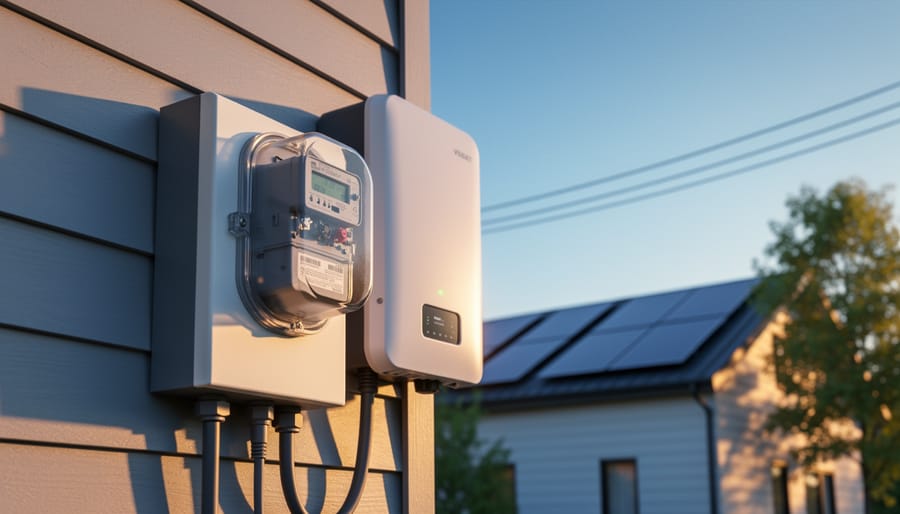
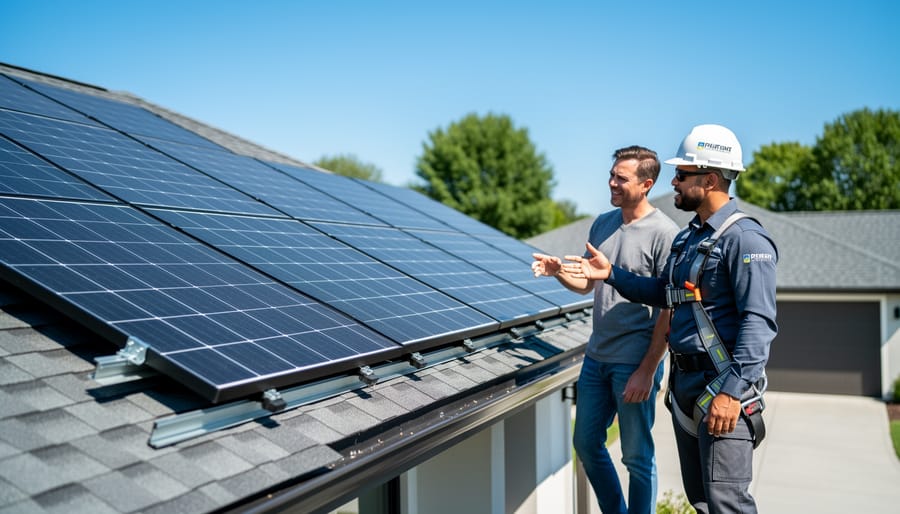
However, anything involving your electrical panel, grid interconnection, or high-voltage DC connections requires a licensed electrician. This isn’t just about safety (though that’s paramount). Your utility company won’t approve grid-tie systems without proper permits and inspections from licensed professionals. Most jurisdictions also require electrical permits for any work involving your main service panel.
Think of it this way: you can be the project manager and do the heavy lifting, but bring in the pros for the critical electrical work. Many installers offer hybrid arrangements where you handle logistics and mounting while they do the electrical hookups. This approach can cut costs by 30-40% compared to full professional installation.
The interconnection agreement with your utility is another professional territory. Licensed contractors know the paperwork, inspection requirements, and local codes inside-out, saving you potential headaches and failed inspections.
Permits, Inspections, and Grid Connection
Here’s something I learned the hard way: getting proper permits isn’t just bureaucratic red tape. When I added my battery backup system, the permitting process actually caught a potential safety issue with my main panel that could have caused serious problems down the road.
Most jurisdictions require electrical permits for battery installations, and your utility company needs to approve grid-tied systems before connection. The process typically involves submitting system plans, passing electrical inspections, and obtaining utility permission to operate. Yes, it takes a few weeks and some paperwork, but these requirements exist for good reasons.
Proper permitting protects your investment in several ways. First, inspections ensure your system meets fire and electrical safety codes, protecting your family and home. Second, permitted work maintains your homeowner’s insurance coverage. Many policies won’t cover fire or electrical damage from unpermitted installations. Third, permits preserve your home’s resale value since buyers and their lenders often require documentation of major electrical work.
Working with licensed contractors usually streamlines this process since they handle the paperwork and know local requirements. If you’re tackling parts yourself, check with your local building department early. Some areas allow homeowner permits for certain work, while others require licensed electricians for battery systems. Plan for 4-8 weeks from permit application to final approval in most areas.
Beyond Backup: Extra Benefits of Battery Storage
Here’s something I learned after installing my battery system that completely changed how I thought about it: backup power during outages was just the beginning. Sure, having lights and refrigeration during storms feels great, but the everyday benefits ended up being equally valuable.
The biggest game-changer is time-of-use optimization. If your utility charges different rates throughout the day (and many are moving this direction), your battery becomes a money-saving machine. During expensive peak hours, you draw from your battery instead of the grid. Then during cheap off-peak times, you recharge. My neighbor saves about $60 monthly just by automatically shifting when he pulls power. It’s like having an invisible assistant constantly finding you the best deal.
Then there’s maximizing your solar investment through increased self-consumption. Without batteries, excess solar power generated during sunny afternoons gets sent back to the grid, often for minimal credit. With storage, that power gets saved for evening use when you actually need it. You’re essentially using more of what you’re already producing. I went from consuming about 35% of my solar generation to nearly 75%, which means fewer grid purchases overall.
Some utilities also offer grid services programs where your battery can participate in demand response events. Basically, during peak demand periods, your battery helps stabilize the grid, and you get paid for it. Not every area offers this yet, but it’s expanding rapidly. Think of it as your battery earning a side income.
These benefits stack up over time, improving your return on investment while making your home more energy-independent. The backup capability might draw you in initially, but these ongoing advantages keep delivering value month after month.
With battery backup, your home maintains power and comfort during grid outages while neighbors experience blackouts.
Adding a hybrid inverter with battery backup to your solar setup transforms everything. You’re no longer just feeding power back to the grid during sunny days and drawing from it at night. You become genuinely independent, with stored energy ready whenever you need it—whether that’s during peak rate hours when you want to avoid expensive grid power, or during outages when your neighbors are in the dark.
I’ve watched this shift happen in my own home, and the peace of mind is remarkable. No more worrying about losing refrigerated food during summer storms or being without heat during winter power failures. You’re taking real control of your energy future.
The best part? Getting started is more straightforward than most people think. Begin by calculating your essential power needs using the tools we’ve discussed throughout this article. Figure out which appliances matter most during an outage, add up their wattage, and you’ll have a clear target for your battery capacity and inverter size. Don’t overcomplicate it—you can always expand later.
The DIY solar community has grown tremendously, and there’s incredible support available. Forums, YouTube channels, and online groups are filled with people who’ve walked this path before and are eager to help newcomers avoid common pitfalls. You’re not alone in this journey.
Taking control of your power supply isn’t just about backup during emergencies—it’s about independence, resilience, and joining a movement toward sustainable living. Your energy future starts with that first calculation.
How useful was this post?
Click on a star to rate it!
Average rating 0 / 5. Vote count: 0
No votes so far! Be the first to rate this post.
We are sorry that this post was not useful for you!
Let us improve this post!
Tell us how we can improve this post?
charlesnoble
Here at Spheral Solar, I’m a hands-on solar power enthusiast, constantly exploring and experimenting with DIY solutions. I’m dedicated to sharing my discoveries, insights, and even the bumps I hit along the way, all in the pursuit of a more sustainable future.
This Device Lets Your Solar System Talk to the Grid… by Charlesnoble February 2, 2026 Verify your utility’s specific anti-islanding requirements before purchasing any equipment—most power companies mandate IEEE 1547-compliant devices that automatically disconnect your solar system when the grid goes down, protecting line workers from unexpected backfeed. Contact your local utility interconnection department directly and request their technical specifications document, which lists approved devices…
Size Your Off-Grid Solar Inverter Right the First… by Charlesnoble February 10, 2026 Calculate your total daily energy consumption by listing every device you’ll power, multiplying each device’s wattage by hours of daily use, then adding 20% for system losses. This single number becomes your foundation—underestimate it, and you’ll face frustrating power shortages; overestimate significantly, and you’ll waste thousands on oversized equipment. Identify…
Why Grid-Tie Solar Inverters Are Your Gateway to… by Charlesnoble December 4, 2025 Grid-tie solar inverters transform your solar panels’ DC electricity into AC power that feeds directly into your home’s electrical system and the utility grid, eliminating the need for expensive battery banks while letting you earn credits for excess power you generate. When your panels produce more electricity than you’re using,…
Why Most RV Solar Setups Fail (And How to Build Yours Right) by Charlesnoble December 21, 2025 Calculate your daily power consumption by listing every device you’ll run in your RV—from the refrigerator drawing 40-60 amp-hours daily to your phone charger using just 5 amp-hours—then multiply by 1.3 to account for system losses and cloudy days. This single step prevents the most common mistake I see fellow…
Why Your DIY Solar Project Needs a Commercial-Grade Inverter by Charlesnoble May 5, 2026 Compare your power needs against inverter capacity ratings before choosing between string, central, or micro-inverter configurations—commercial systems typically handle 10kW to 500kW, far exceeding residential 3-10kW units. Calculate your total panel wattage, then add 25% overhead to account for startup surges and future expansion. A 50kW system, for instance, performs…
The Highest Watt Solar Panel Won’t Save Your RV… by Charlesnoble April 1, 2026 Stop obsessing over wattage alone—it’s the biggest mistake I see RV solar shoppers make. Yes, the highest wattage panels available for RVs currently max out around 400-550 watts, but cramming the most powerful panel onto your roof doesn’t guarantee you’ll have enough power to run your air conditioner or keep…
Subscribe for handpicked DIY projects, exclusive tips, and giveaways.
Nine times out of ten, an RV generator that won’t start has a stale fuel problem. If your generator hasn’t run in more than 30 days, degraded gasoline is likely gumming up the carburetor and preventing ignition. Before you panic or call for expensive roadside service, try this: turn on the generator’s fuel valve (if… Read more: RV Generator Troubleshooting: Common Problems and How to Fix Them
A 5kW solar system occupies between 250 and 350 square feet of roof or ground space and produces roughly 20 to 25 kilowatt-hours of electricity per day in most U.S. locations. That’s enough to power a typical three-bedroom home with moderate energy use, though your exact needs depend on your daily consumption patterns, climate zone,… Read more: How to Size a 5kW Solar System for Your Home or RV
Installing a home solar system yourself takes 2-4 weekends for an average 5kW setup, requires solid electrical knowledge and comfort working at heights, and can save you $5,000-$8,000 in labor costs if you tackle everything except the final utility interconnection. The process breaks down into five main phases: permitting and design, mounting the racking system,… Read more: Solar Power Installation Step by Step: Complete DIY Guide From Start to Finish