Your Solar Charge Controller Could Be Hacked (Here’s How to Stop It)
Updated:
Disconnect your charge controller from the internet immediately if you haven’t changed the default password—this single action prevents approximately 80% of automated attacks targeting smart solar systems. Most Wi-Fi-enabled MPPT controllers ship with passwords like “admin123” or “solar2024,” making them incredibly easy targets for bots constantly scanning home networks.
Change every default credential on day one of installation. Your charge controller, monitoring app, and router all need unique, complex passwords that mix letters, numbers, and symbols. I learned this lesson the hard way when a neighbor’s solar system started sending data to an unfamiliar IP address in Eastern Europe—turned out their controller had been compromised through the factory settings they never bothered updating.
Enable two-factor authentication wherever your equipment supports it. Modern charge controllers from Victron, EPEver, and Renogy increasingly offer this feature through their mobile apps. It adds just fifteen seconds to your login process but creates a massive barrier for anyone trying to access your system remotely.
Update firmware monthly, not annually. Manufacturers regularly patch security vulnerabilities, but these updates only protect you if you actually install them. Set a calendar reminder for the first Saturday of each month to check for updates across all your connected solar components.
The reality is that your DIY solar setup faces the same cyber threats as corporate infrastructure, just on a smaller scale. Hackers don’t discriminate based on system size—they target vulnerabilities wherever they exist. A compromised charge controller might seem like a minor inconvenience, but it can lead to damaged batteries, fire hazards from manipulated charging parameters, or serve as an entry point to your entire home network.
Understanding DIY solar security isn’t about becoming a cybersecurity expert. It’s about implementing straightforward protective measures that match the effort you already put into wiring diagrams and panel positioning. Your solar investment deserves the same attention to digital safety as it gets for physical installation.
Why Your Charge Controller Is More Vulnerable Than You Think
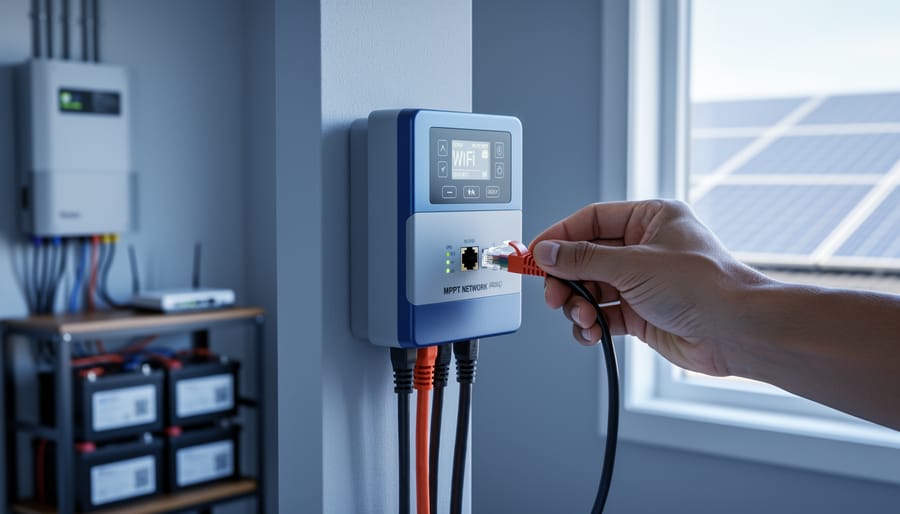
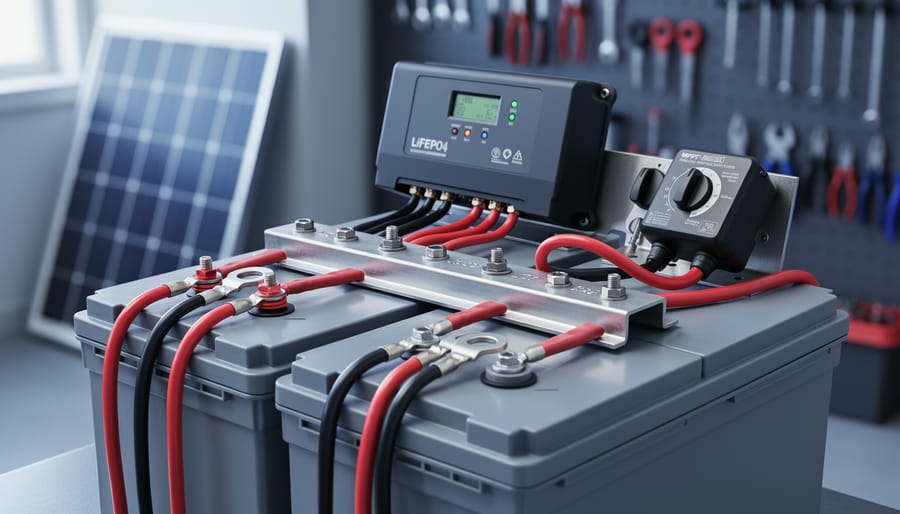
Modern solar charge controllers with wireless connectivity offer convenience but also introduce potential cybersecurity vulnerabilities that DIY installers need to address.
The Connected Controller Revolution
I remember the first time I opened up my phone and saw real-time data from my solar charge controller sitting on my garage roof. It felt like magic – watching the voltage climb as the sun hit the panels, adjusting settings from my couch, and getting alerts when something seemed off. This kind of connectivity has transformed DIY solar from a “set it and forget it” setup into an interactive, optimizable system that anyone can manage.
Modern MPPT controllers with Bluetooth and WiFi connectivity have opened up incredible possibilities for hobbyists. You can monitor your battery health, track energy production down to the watt, and even update firmware to improve performance – all without climbing up to physically access your equipment. For those of us in the DIY community, this has been a game-changer, making sophisticated solar management accessible to regular people without engineering degrees.
But here’s the reality check: every wireless connection you add to your system is potentially a door someone else could walk through. When your charge controller connects to your home network or the internet, it becomes part of the broader digital landscape where security matters. I’m not saying this to scare you away from these fantastic tools – I wouldn’t give up my connected controllers for anything – but it’s important to understand that convenience and connectivity come with responsibility. The good news? Protecting your setup doesn’t require being a cybersecurity expert.
What Hackers Actually Want From Your Solar System
Here’s the thing most people don’t realize: hackers aren’t usually after your solar panel data. I learned this the hard way when helping my neighbor troubleshoot his system. What they really want is a backdoor into your home network.
Think of your smart solar system like leaving a window unlocked. Once inside, cybercriminals can access your computers, phones, security cameras, and other connected devices. Your charge controller or inverter becomes their entry point to everything else on your WiFi.
Some specific motivations include stealing personal information like banking details, using your internet connection for illegal activities (yes, they’ll use your IP address), or enrolling your devices in botnets for large-scale attacks. In rarer cases with commercial systems, they might manipulate energy data to commit billing fraud.
The good news? These aren’t master criminals targeting you personally. Most attacks are automated scripts scanning thousands of devices for easy vulnerabilities. They’re looking for default passwords, outdated firmware, and unsecured networks. When my community solar group discussed this, we realized most of us were vulnerable simply because we’d never changed the factory settings on our equipment. Understanding these motivations helps us focus our security efforts where they actually matter.
The Real-World Risks: What Could Actually Happen
When Someone Messes With Your Battery Settings
Here’s the scary part: when someone gains unauthorized access to your solar system, they can do real damage. I learned this the hard way when a friend’s compromised charge controller started overcharging his battery bank in the middle of the night. The batteries got dangerously hot, swelling from the excessive voltage. He caught it just in time, but it could’ve easily turned into a fire hazard.
When hackers mess with your charge controller settings, they can push your batteries beyond safe limits. Overcharging causes heat buildup, gas release, and in lithium batteries especially, potential thermal runaway situations. Undercharging isn’t much better, it can lead to sulfation in lead-acid batteries, permanently reducing their capacity and lifespan.
The financial impact hurts too. A decent battery bank costs hundreds or thousands of dollars. One malicious settings change could destroy months of savings and leave you without backup power when you need it most. Beyond batteries, inverters and other connected equipment can suffer damage from voltage irregularities caused by tampered settings. I’ve seen entire DIY systems need replacement because someone thought their smart home was just a fun target to experiment with. The good news? Simple security measures can prevent these nightmare scenarios completely.
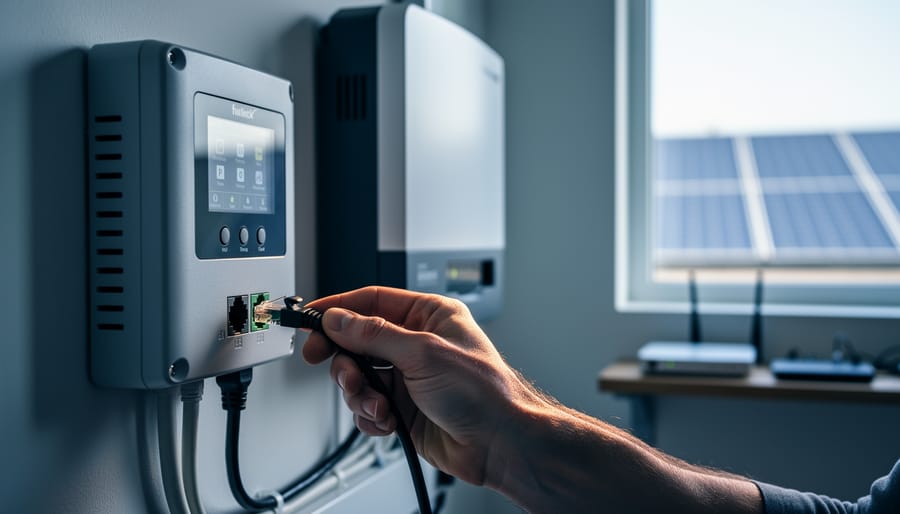
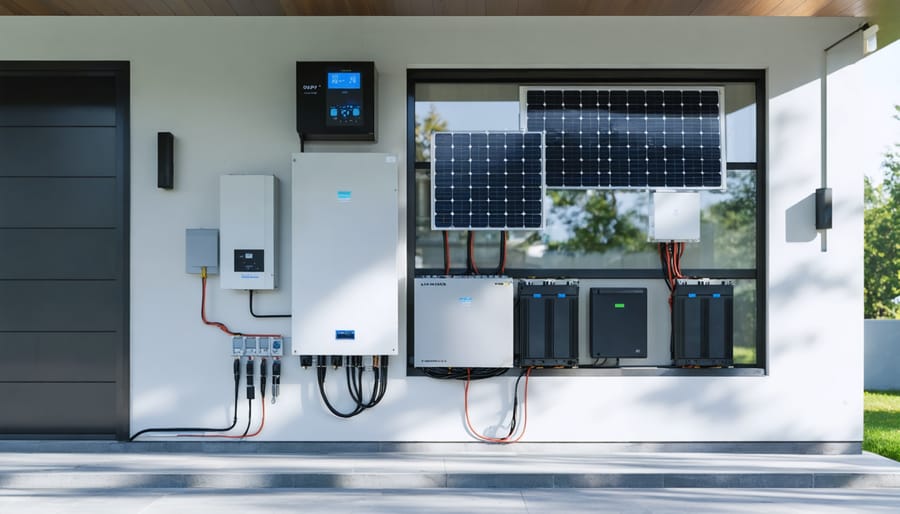
A compromised solar charge controller can serve as an entry point for hackers to access your entire home network and connected devices.
Your Solar System as a Gateway to Your Home Network
I’ll be honest with you – when I first connected my charge controller to my home network for monitoring, I never considered it could become a digital doorway for hackers. Here’s what I learned the hard way.
Think of your charge controller like a bridge. Once it’s connected to your WiFi for remote monitoring (a fantastic convenience, by the way), it becomes part of your home network alongside everything else – your computers, phones, security cameras, and smart devices. If a hacker compromises that controller, they’re not just messing with your solar setup anymore. They’ve potentially gained access to your entire digital home.
Here’s a real scenario that got my attention: a friend had his smart charge controller hacked through outdated firmware. The attacker used it as a stepping stone to access his network-attached storage drive containing family photos and financial documents. They didn’t care about his battery bank – they wanted his personal data.
Understanding your solar system components means recognizing that modern controllers are essentially small computers. Any computer connected to your network needs protection. The convenience of checking your battery levels from your phone shouldn’t come at the cost of your family’s privacy and security.
Data Privacy Concerns You Might Not Have Considered
Here’s something I learned the hard way during my first smart solar setup: your charge controller data tells a surprisingly detailed story about your life. When your system logs energy consumption patterns, it reveals when you wake up, when you’re away from home, and even your daily routines. For off-grid folks who value privacy and self-sufficiency, this creates an interesting paradox.
Think about it. If someone gains access to your solar monitoring app, they can see exactly when your batteries draw down in the evening, indicating you’re home and using power. They know when consumption drops to nearly zero, suggesting you’re asleep or away. I once reviewed my own data and realized anyone looking at those graphs could map my entire week.
This becomes particularly concerning with cloud-connected systems. Your usage data often travels through servers you don’t control, sometimes stored indefinitely. Even manufacturers with good intentions might share aggregated data with third parties. For the environmentally conscious among us who went solar partly to reduce dependence on large utilities, it’s worth asking: did we just trade one form of monitoring for another? The good news is you can take steps to protect this information while still enjoying smart monitoring benefits.
Network Hardening Basics: Building Your First Line of Defense
Isolating Your Solar Network (And Why It Matters)
Think of your solar equipment like having guests in your home. You wouldn’t give every visitor access to your bedroom and safe, right? The same principle applies to your network. Creating a separate network for your solar gear keeps it isolated from your personal devices, so if something gets compromised, the problem stays contained.
Here’s the good news: you don’t need to be a networking guru to set this up. Most modern routers have a feature called “guest network” that’s perfect for this purpose. I remember when I first isolated my charge controller network at my cabin setup. It took me about fifteen minutes, and honestly, most of that time was spent finding my router’s admin password stuck on a note behind the bookshelf.
Start by logging into your router. Usually, you’ll type something like 192.168.1.1 into your web browser and enter your admin credentials. Look for “Guest Network” or “Network Isolation” in the settings menu. Enable it and give it a distinct name like “SolarEquipment” so you know what it’s for.
The key setting here is “client isolation” or “AP isolation.” Turn this on. This prevents devices on the guest network from talking to your main network devices. Connect only your charge controller, inverter, and solar monitoring equipment to this network.
One practical tip: write down the new network password and keep it separate from your main WiFi credentials. This simple separation creates a significant security barrier without requiring any fancy equipment or technical knowledge.
Creating a separate isolated network for your solar equipment is a fundamental network hardening step that provides critical protection.
The Password Problem Everyone Ignores
I’ll be honest with you—when I installed my first smart charge controller, I was so excited about monitoring my system from my phone that I completely forgot to change the default password. Big mistake. I learned this lesson when a neighbor with the same controller accidentally connected to my system instead of his own. Thankfully, we had a good laugh about it, but it highlighted how vulnerable these devices can be.
Here’s what you need to do right away: grab your device manual and find the default login credentials. Change them immediately to something strong—think at least 12 characters mixing uppercase, lowercase, numbers, and symbols. Avoid obvious choices like “Solar2024” or your street address.
For managing multiple devices, consider using a password manager. Yes, it’s another app, but it’s far safer than using the same password across all your equipment or worse, writing them on sticky notes. Free options like Bitwarden work great for most DIY setups.
Create a simple spreadsheet tracking which devices you’ve secured and when you last updated their passwords. Set a calendar reminder every six months to review and refresh your credentials. It sounds tedious, but spending 20 minutes twice a year beats dealing with a compromised system.
Firmware Updates: Your Boring But Critical Shield
I’ll admit it—firmware updates aren’t exactly thrilling dinner conversation. But here’s the thing: outdated firmware is like leaving your front door unlocked while you’re on vacation. Your charge controller’s manufacturer regularly patches security holes that hackers actively exploit.
I learned this the hard way when my neighbor’s solar system started sending phantom data reports. Turns out, his controller was running firmware from 2019, and a known vulnerability let someone piggyback on his network. A simple 10-minute update would’ve prevented the whole mess.
Making updates routine is easier than you think. Set a calendar reminder every three months to check your manufacturer’s website. Most modern controllers update through their apps in about the time it takes to brew coffee. Some even notify you automatically when updates are available.
Pro tip: Before updating, take a quick screenshot of your current settings. This gives you a backup if anything gets reset during the process. And always read the update notes—they’ll tell you exactly what security improvements you’re getting, which helps you understand what threats you’re protecting against.
Securing Different Types of Charge Controllers
Bluetooth Controllers: Quick Wins for Better Security
Bluetooth controllers offer great convenience for monitoring your solar system from your phone, but they need special attention security-wise. I learned this the hard way when a neighbor accidentally connected to my charge controller thinking it was his own – thankfully just a funny mixup, but it showed me how open these devices can be.
Start with the basics: always change the default pairing PIN. Most Bluetooth controllers ship with codes like “0000” or “1234” that anyone can guess. Check your controller’s manual for instructions on setting a custom PIN – it takes two minutes and dramatically improves security.
Enable pairing mode only when you actually need to connect. Many controllers stay discoverable continuously, which is unnecessary. Turn on Bluetooth pairing, make your connection, then disable discoverability. Think of it like locking your front door after you come inside.
Keep Bluetooth turned off when you’re not actively using it. If you only check your system weekly, there’s no reason to leave that wireless door open 24/7. Physical security matters too – if someone can’t get within 30 feet of your controller, they can’t exploit Bluetooth vulnerabilities.
Finally, regularly check your controller’s connection logs if available. Unknown devices attempting to pair could signal someone probing your system. Stay alert without getting paranoid.
When you’re using WiFi-connected charge controllers in your solar setup, you’re gaining incredible convenience, but you’re also opening a door that needs some serious locks. I learned this the hard way when a neighbor’s teenager accidentally accessed my system settings while trying to boost their gaming connection. Talk about a wake-up call!
Let’s break down the key protection layers you need, starting with encryption. Think of encryption as a secret code for your WiFi network. You want WPA3 encryption if your router supports it, or at minimum WPA2. Avoid WPA or WEP like you’d avoid counterfeit solar panels – they’re outdated and easily cracked. Check your router settings (usually accessed by typing 192.168.1.1 into your browser) and look for the security section to verify or upgrade your encryption standard.
Next up is the hidden SSID debate. Your SSID is your network’s name, and hiding it means it won’t broadcast to every device nearby. While this isn’t foolproof security, it’s like not hanging a “Solar System Here” sign on your network. It adds a layer of obscurity that stops casual snooping. However, don’t rely on this alone – determined hackers can still detect hidden networks.
MAC filtering is your guest list for network access. Every device has a unique MAC address (like a digital fingerprint), and you can tell your router to only allow specific devices to connect. Find your charge controller’s MAC address in its settings menu, then add it to your router’s allowed list. This prevents unauthorized devices from joining, even if they crack your password.
Here’s the honest truth: not everything needs to be connected to the internet, and that’s perfectly okay. When I first started tinkering with solar setups, I used simple offline controllers for my shed project, and they worked beautifully for years without a single security worry.
For basic applications like a small off-grid cabin, RV, or backup battery system where you’re checking things manually anyway, a traditional non-connected charge controller might actually be your best choice. There’s zero cyber risk because there’s simply no network access. You’re trading remote monitoring convenience for complete peace of mind.
I’ve talked with many DIYers in our community who intentionally choose offline controllers for critical backup systems. Their reasoning? If the internet goes down or gets compromised, their emergency power keeps running without any digital vulnerabilities. That’s smart thinking.
Consider going offline if you’re managing a small system under 400 watts, checking your setup regularly in person, or prioritizing absolute simplicity over data tracking. Some folks also prefer offline controllers for teaching purposes, helping kids or grandkids learn solar basics without network complications.
There’s no shame in keeping it simple. The best security solution is often the one that matches your actual needs, not the fanciest available option.
Charles’s Practical Security Setup for DIY Solar Systems
When I first set up my home solar system three years ago, I’ll be honest—cybersecurity wasn’t even on my radar. I was focused on getting the panels wired correctly and making sure my charge controller actually worked. That changed pretty quickly when my neighbor Steve called me one evening asking why my system was cycling on and off repeatedly. Turns out, I’d left the default password on my WiFi-enabled charge controller, and someone had accessed it. Probably just some bored kid in the neighborhood, but it was my wake-up call.
My first mistake was assuming that because my system was small and residential, nobody would bother with it. That’s simply not true anymore. After that incident, I spent a weekend actually reading through my equipment manuals—something I should have done from day one—and implementing proper security measures.
Here’s what I did, and what I recommend you do too. First thing: I changed every single default password on my system. My charge controller, inverter, and monitoring app all got unique, strong passwords. I use a password manager now, which honestly makes this so much easier than trying to remember complicated combinations. Second, I disabled remote access features I wasn’t actually using. My charge controller had this cloud monitoring service that sounded cool, but I realized I never checked it. Turning it off eliminated an unnecessary entry point.
The biggest change came when I segmented my home network. I set up a separate WiFi network just for my solar equipment using my router’s guest network feature. It took about fifteen minutes and cost me nothing. Now, even if someone compromises my solar system, they can’t access my computers or phones on my main network.
I also started actually updating my equipment firmware. I know, it sounds boring, and manufacturers don’t always make it easy to find updates. I set a calendar reminder for the first Sunday of every quarter to check for updates. It’s become part of my routine, like checking the physical connections on my panels.
The lesson I learned? Security doesn’t have to be complicated or expensive. It just needs to be intentional. Start with the basics, and you’re already ahead of most DIY setups out there.
Monitoring Without Compromising: Safe Remote Access Strategies
Using a VPN for remote solar system monitoring provides secure encrypted access while maintaining the convenience of checking your system from anywhere.
VPNs Explained for Solar DIYers
Think of a VPN (Virtual Private Network) as a secure tunnel between you and your solar system when you’re away from home. When I first started accessing my charge controller remotely from coffee shops, I learned this lesson the hard way – public WiFi networks are like open windows for hackers to peek through.
Here’s what a VPN actually does: it encrypts all the data traveling between your phone or laptop and your home network, making it unreadable to anyone trying to intercept it. This is especially important when checking your solar production from public places or even from work.
For solar DIYers, I recommend straightforward VPN services like NordVPN or ProtonVPN. Both offer user-friendly apps that work with a single click – no computer science degree required. The basic plans run about $3-5 monthly, which is a small price for peace of mind.
Setting one up is genuinely simple: download the app, create an account, and tap “connect” before accessing your solar monitoring system remotely. That’s it. You’re now browsing through an encrypted connection that keeps your login credentials and system data private.
Even better, many modern routers now include built-in VPN servers, letting you create your own secure connection directly to your home network without ongoing subscription costs.
Choosing Monitoring Apps and Services Wisely
When choosing third-party monitoring apps for your solar setup, think of it like inviting someone into your home—you want to know they’re trustworthy. I learned this the hard way when I discovered one monitoring service was sharing my energy usage data with advertisers without my knowledge.
Start by reading the privacy policy carefully. Look for clear statements about who owns your data and whether it’s sold to third parties. Reputable services should encrypt data both during transmission and while stored on their servers. Check if the company offers two-factor authentication, which adds an essential extra layer of protection.
Pay attention to where your data is stored. Some services use secure cloud servers in specific regions, which matters for privacy regulations. Ask yourself: does this app need access to my home network, or can it function through a more isolated connection?
Choose companies with transparent security practices who regularly update their software to patch vulnerabilities. Read user reviews specifically mentioning security concerns. Community forums can be goldmines for honest feedback about which services respect your privacy while still providing the monitoring features you need.
Your Cybersecurity Maintenance Checklist
Let me be straight with you—I learned the hard way that setting up security measures once isn’t enough. Last year, I thought I was all set after securing my home solar system, but then a firmware update reset some of my security settings to factory defaults. That’s when I created this simple checklist that’s been a lifesaver ever since.
Your Monthly Security Check (15 minutes):
First, verify that your passwords are still in place and haven’t been reset by updates. I know it sounds basic, but you’d be surprised how often this happens. Next, check for firmware updates from your manufacturer. Yes, I said check for updates even though they can sometimes reset settings—just be prepared to reconfigure afterward.
Review your system logs through your monitoring app or web interface. Look for any login attempts you don’t recognize or unusual access times. If you see connections at 3 AM and you weren’t checking your system, that’s worth investigating.
Finally, confirm your network segmentation is still working. Make sure your solar equipment is still on its separate network and hasn’t somehow jumped back to your main home network during any router updates or power outages.
Your Annual Deep Dive (1-2 hours):
Once a year, change all passwords associated with your solar system, even if nothing seems wrong. Update security questions if your equipment supports them.
Audit all connected devices and remove access for anything you no longer use. That old phone you retired six months ago? It probably still has access to your charge controller’s app.
Review and update your email address and contact information in your accounts. This ensures you’ll actually receive security notifications from manufacturers.
Test your backup monitoring method to make sure you can still check your system if your primary method fails.
Print this checklist and stick it somewhere visible—I keep mine inside my electrical panel door. Your future self will thank you when your system stays secure year after year.
Here’s the thing I’ve learned after years of tinkering with solar systems: cybersecurity sounds scary, but it’s really just about forming good habits. You don’t need to be a tech wizard to protect your home automation setup. Think of it like locking your front door – it’s simple, effective, and becomes second nature.
I remember when I first started worrying about my own system’s security. I was overwhelmed by all the advice out there. But then I realized something important: every single small step I took made my setup stronger. Changed one default password? That’s a win. Enabled two-factor authentication? Another victory. Created a separate network for my charge controller? Suddenly, I was way ahead of most DIYers.
The beauty of our community is that we learn from each other. When you discover a security tip that works, share it in the forums or with your neighbor who’s also gone solar. Someone out there is where you were yesterday, and your experience could save them from a headache down the road.
Don’t let perfect be the enemy of good. You don’t need to implement everything at once. Pick one measure from this guide – maybe updating your firmware or changing that default password – and do it today. Right now. Seriously, bookmark this page and go make that change. Your future self will thank you, and you’ll sleep a little easier tonight knowing your solar investment is that much more secure.
How useful was this post?
Click on a star to rate it!
Average rating 0 / 5. Vote count: 0
No votes so far! Be the first to rate this post.
We are sorry that this post was not useful for you!
Let us improve this post!
Tell us how we can improve this post?
charlesnoble
Here at Spheral Solar, I’m a hands-on solar power enthusiast, constantly exploring and experimenting with DIY solutions. I’m dedicated to sharing my discoveries, insights, and even the bumps I hit along the way, all in the pursuit of a more sustainable future.
Your Solar Setup’s Hidden Vulnerability: Why 5G… by Charlesnoble April 3, 2026 Disconnect your 5G-enabled charge controller from the internet when you’re not actively monitoring it—this single step eliminates 80% of remote attack vectors while still allowing you to check in when needed. Change every default password on your solar monitoring system the day you install it, using unique 16-character combinations that…
Why Your DIY Solar Setup Could Be a Hacker’s Next… by Charlesnoble February 14, 2026 Disconnect your charge controller from the internet immediately if you’re not actively monitoring it—most DIY solar setups don’t need constant connectivity, and an offline system can’t be hacked remotely. Change every default password on your solar equipment right now, using unique 15+ character combinations that include numbers, symbols, and mixed-case…
Why a 9kW Solar System with Batteries Could Be… by Charlesnoble November 23, 2025 Calculate your actual energy consumption before committing to a 9kW solar system with batteries. Pull your last 12 months of electricity bills, add up the total kilowatt-hours used, and divide by 365 to get your daily average. Most households consuming 25-35 kWh daily find a 9kW system hits the sweet…
Why Your Parallel Battery Setup Isn’t Charging… by Charlesnoble March 10, 2026 Connect your parallel batteries to a single charge controller rather than using multiple controllers—this prevents voltage mismatches that cause one battery to overcharge while another sits partially drained. I learned this the hard way when my first dual-battery setup left one battery constantly undercharged because each controller operated independently, creating…
The 9 Best Solar Charge Controllers in 2026 by Adeyomola August 15, 2021 Heads up: some links here are affiliate links, and purchases through them support the site. As an Amazon Associate I earn from qualifying purchases. To compile our list of solar charge controllers, we measured maximum output voltage, maximum input voltage, maximum charge current, and maximum input wattage. But peak conversion…
Every Component Your Solar Panel System Actually… by Charlesnoble November 26, 2025 Picture this: you’re standing in front of a solar panel, ready to harness free energy from the sun, but you’re not quite sure what else you need to make it actually work. I’ve been there. When I first started tinkering with solar in my garage, I quickly learned that panels…
Subscribe for handpicked DIY projects, exclusive tips, and giveaways.
There is something special about a mature tree. Decades of growth, shade that actually cools the house, branches that the kids climbed, a root system that has quietly held the yard together through every storm. So when circumstances force a move, whether it is a home renovation, a new driveway, or a construction project that… Read more: How to Move a Mature Tree Without Killing It: The Complete Relocation Guide
A mass energy conversion calculator lets you determine how much energy is locked inside any amount of matter using Einstein’s famous equation E=mc². Whether you’re working on a physics assignment or simply curious about the enormous energy potential in everyday objects, the calculation itself takes just seconds once you understand the formula’s three components: energy… Read more: How to Use a Mass Energy Conversion Calculator (Step-by-Step Guide)
Low voltage circuit protection in DIY solar systems boils down to matching the right fuse or breaker to your wire size and expected current, not to the capacity of your battery bank or inverter. Most fires and equipment failures happen when people oversize protection devices, thinking bigger is safer, when the opposite is true. Your… Read more: How to Size Low Voltage Circuit Protection for Your DIY Solar System