How to Maintain and Care for Your JD Solar Sensor Light (Step-by-Step)
Updated:
Keeping your JD solar sensor light functioning at peak performance requires three simple maintenance steps: regular cleaning of the solar panel and sensor, seasonal battery checks, and proper winter storage. Most owners can complete a full maintenance cycle in under 15 minutes using household supplies, and doing so twice a year will typically extend your light’s lifespan by 3 to 5 years while maintaining bright, reliable illumination.
I learned this the hard way after my first solar lights started dimming after just six months. Back then, I didn’t realize that a thin layer of dust could block up to 40% of the solar energy reaching the panel. Once I started treating my outdoor lights like the solar-powered devices they are, understanding how solar lights work and maintaining them accordingly, everything changed. My fixtures now run brighter and longer, even in winter months.
The JD solar sensor light combines a photovoltaic panel with motion detection technology, so both components need attention. While these lights are designed to be weather-resistant and low-maintenance, environmental factors like pollen, bird droppings, hard water spots, and dust accumulation gradually reduce performance. Battery degradation happens naturally over time, but proper care slows that process significantly.
This guide walks you through the complete maintenance process, from gathering your supplies to verifying your light operates correctly afterward. You’ll also learn what to do when standard cleaning doesn’t solve brightness or detection issues. Whether you installed your JD lights last month or three years ago, these proven techniques will help you get the most from your investment.
Key Takeaway: Successful maintenance shows three clear signs: the light accepts a full daytime charge, the sensor triggers consistently at its normal range, and brightness matches the original output level. If any of these fails, revisit the specific component that’s underperforming.
What You’ll Need: Tools and Materials for JD Solar Light Maintenance
You don’t need a workshop full of specialized equipment to keep your JD solar sensor light in top shape. In fact, I’ve maintained mine for years with items I already had around the house, and you probably do too.
Here’s everything you’ll need for a thorough maintenance session:
Soft microfiber cloths or old cotton t-shirts, perfect for cleaning without scratching the solar panel
Mild dish soap or gentle all-purpose cleaner, harsh chemicals can damage protective coatings
Distilled water, tap water minerals can leave residue that blocks light absorption
Small soft-bristle brush or old toothbrush, gets into sensor crevices and housing seams
Replacement rechargeable batteries (AA or AAA, depending on your model), check your manual first
Basic screwdriver set, usually Phillips head for battery compartment access
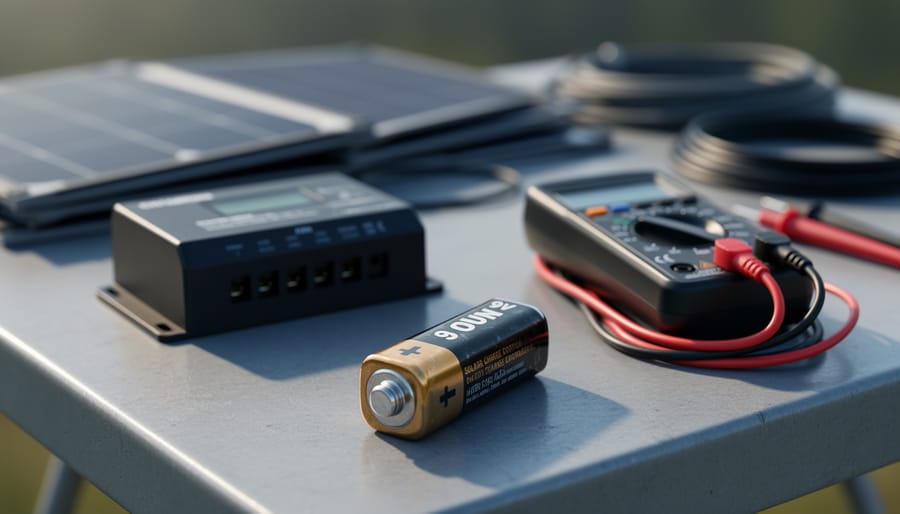
Optional: Basic multimeter, helpful for testing battery voltage if you want to get technical
The beauty of solar light maintenance is its simplicity. Most of these supplies cost just a few dollars total, and you’ll have them on hand for future maintenance sessions. I keep a small plastic bin with my solar maintenance kit ready to go, which makes the whole process even more straightforward when it’s time for a seasonal cleaning.
Safety First: What to Watch Out For
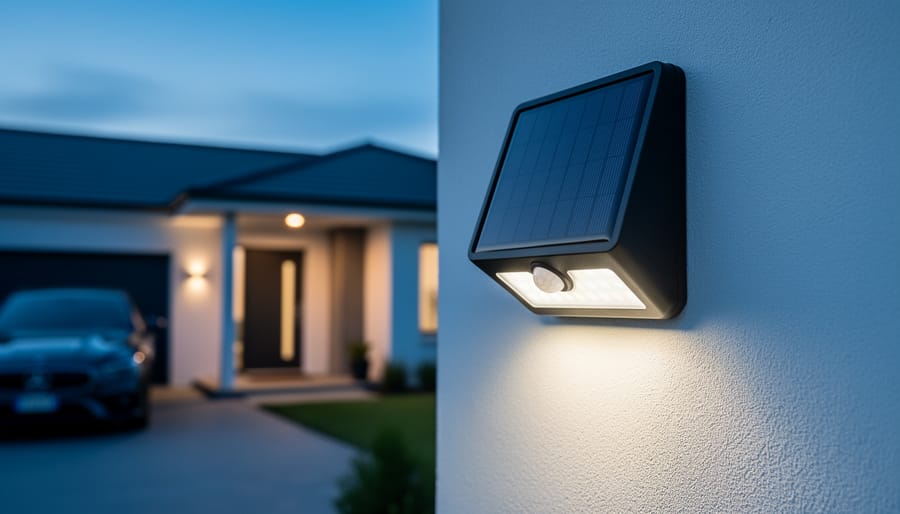
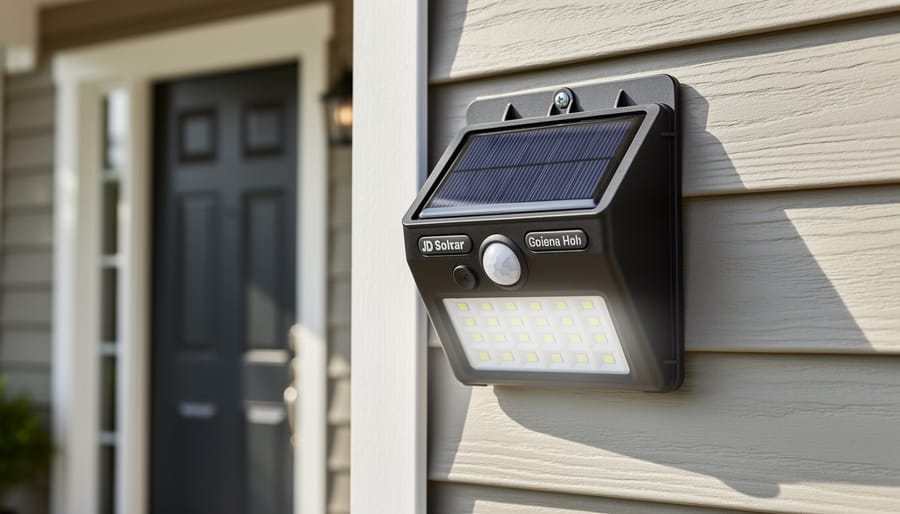
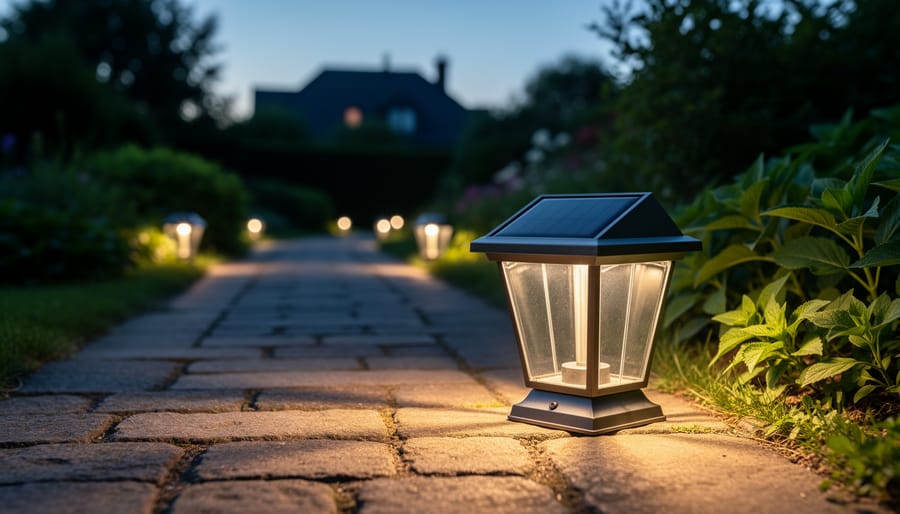
A JD solar sensor light in everyday outdoor conditions helps readers connect the maintenance steps to the exact device they own.
Before you start working on your JD solar sensor light, let’s talk safety. I learned this the hard way when I rushed through maintenance on a foggy morning and got a mild shock from a corroded battery terminal, not my finest DIY moment.
Always disconnect or remove the light from its mount before maintenance. Work during daylight hours when you have good visibility and the light isn’t actively cycling on and off. If your JD model has a manual switch, turn it to the off position. This prevents the sensor from triggering unexpectedly while you’re handling internal components.
Battery compartments deserve special attention. Rechargeable batteries can leak corrosive chemicals, especially in older units. Wear gloves when inspecting batteries, and never touch corroded terminals with bare hands. If you see white crusty buildup or greenish residue, that’s corrosion, handle with care and dispose of damaged batteries properly at a recycling center, not in household trash.
Warning: Never attempt maintenance during rain or in wet conditions, as moisture and electricity don’t mix. If you notice water inside the battery compartment, let the unit dry completely for 24-48 hours before proceeding.
When cleaning, keep soap and water away from electrical connections. A few drops in the wrong place can cause shorts or permanent damage. Use minimal liquid on your cloth rather than spraying directly onto the light.
Don’t proceed with maintenance if you see melted plastic, burning smells, or severe housing damage. These indicate electrical failure that requires replacement, not routine care. Similarly, if your JD light is still under warranty, check the manufacturer’s guidelines first, some maintenance tasks might void coverage.
Step-by-Step: How to Clean and Maintain Your JD Solar Sensor Light
Cleaning the Solar Panel
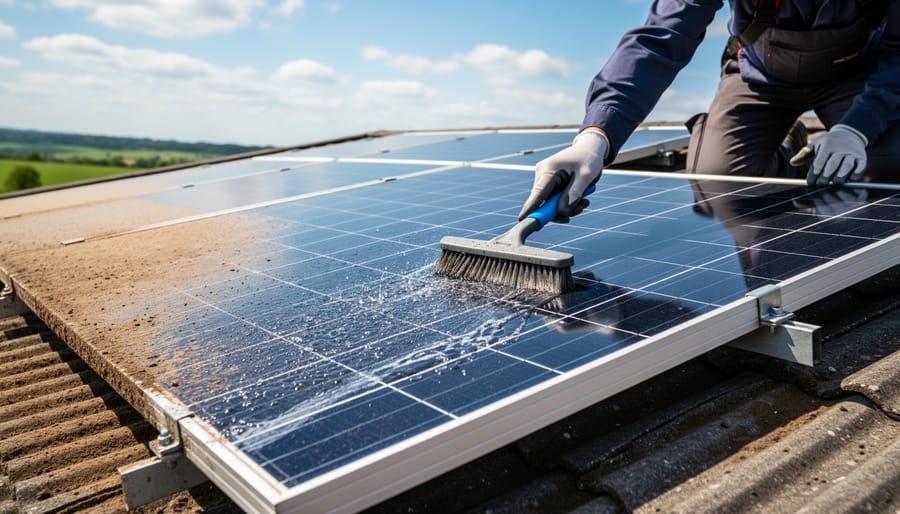
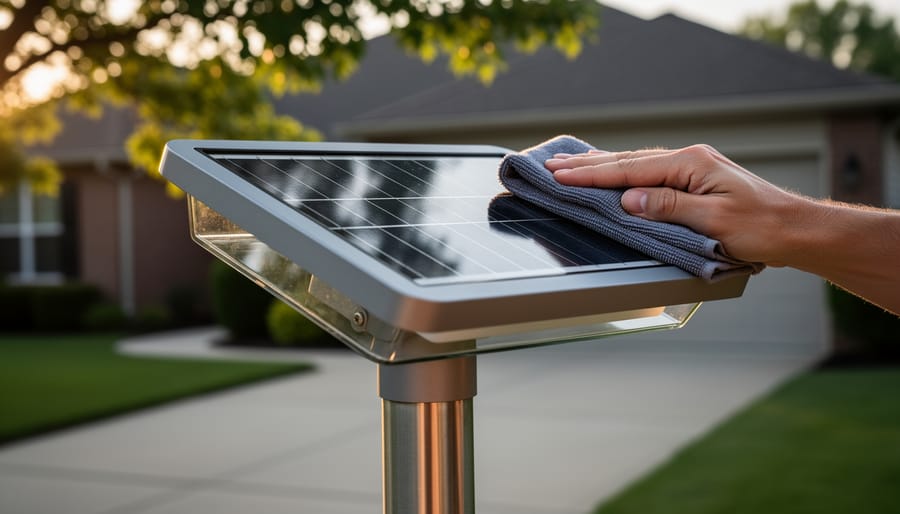
Cleaning the solar panel and surrounding surfaces removes grime that blocks light and improves charging performance.
Turn off your JD solar sensor light before cleaning, most models have a switch underneath or inside the battery compartment. This prevents the light from trying to charge while you’re working on it.
Grab your soft, lint-free cloth and dampen it slightly with distilled water. Tap water works in a pinch, but distilled prevents mineral spots that can reduce efficiency over time. Gently wipe the solar panel surface in straight lines rather than circles. You’re removing the layer of pollen, dust, and grime that blocks sunlight from reaching the photovoltaic cells beneath.
For stubborn buildup, mix a drop of mild dish soap into your distilled water. Wipe again with the soapy cloth, then follow up with a clean, damp cloth to remove all soap residue. Soap left behind creates a film that defeats the whole purpose of cleaning.
Here’s what matters: even a thin layer of dirt can cut your panel’s efficiency by 20% or more. Those photovoltaic cells need direct contact with sunlight to generate charge. When grime blocks that connection, your battery charges slower during the day and your light runs dimmer or dies earlier at night.
Let the panel air-dry completely before switching the light back on. The whole process takes maybe three minutes, but it directly translates to brighter, longer-lasting illumination after dark.
Maintaining the Motion Sensor
The motion sensor is the “eye” of your JD solar light, and even a thin film of dust can cause it to miss movement or trigger unnecessarily. Start by locating the small lens, usually a frosted dome or rectangular window on the front of the light housing. Using a barely-damp microfiber cloth (never spray cleaner directly on the sensor), gently wipe the lens in a circular motion to lift away pollen, spider webs, and grime. I’ve found that a dry soft-bristle brush works wonders for stubborn debris in the lens edges without scratching.
Check that nothing’s blocking the sensor’s field of view, overgrown branches, mounting brackets, or even cobwebs can create “blind spots” that prevent detection. If you notice frequent false triggers at dawn or dusk, dirt on the lens might be scattering ambient light and confusing the sensor. Clean sensors detect motion reliably within their designed range, which matters especially if you didn’t place solar lights correctly initially and need every inch of coverage. After cleaning, let the lens air-dry completely before testing, moisture can temporarily fog the optics and throw off readings.
Battery Inspection and Replacement
Start by locating the battery compartment on your JD solar sensor light. Most models have a small access panel on the underside or back of the housing, secured by one or two screws. Use a Phillips-head screwdriver to remove these screws and gently lift off the cover.
Once open, inspect the battery terminals for any white, blue, or green crusty buildup. That’s corrosion, and it prevents proper electrical contact. If you spot any, dip a cotton swab in white vinegar and carefully clean the terminals until the metal looks shiny again. Let everything dry completely before moving on.
Now remove the battery. Most JD lights use standard NiMH rechargeable AA or AAA batteries. Check the battery for bulging, leaking, or obvious damage, these are clear signs it needs replacing. If it looks fine physically, you can test it with a multimeter set to measure voltage. A healthy rechargeable AA should read around 1.2 volts. Anything below 1.0 volts means the battery has lost its capacity and won’t hold a charge effectively anymore.
When buying replacement batteries, stick with NiMH rechargeable batteries in the same size and voltage rating as the original. I’ve found that 600-800 mAh capacity works well for most sensor lights without overloading the solar charging system. Avoid alkaline batteries, they’re not designed for solar charging cycles and can damage your light.
After installing the new or cleaned battery, secure the compartment cover firmly to maintain the weatherproof seal.
Housing and Weatherproofing Check
Your JD solar sensor light lives outside year-round, so its housing takes a beating from rain, snow, UV rays, and temperature swings. Over time, seals and gaskets can crack or shrink, creating gaps where moisture sneaks in and damages the electronics.
Start by examining the rubber or silicone gasket around the battery compartment door. Press gently on it, if it feels brittle, cracked, or has lost its flexibility, it needs replacing. Most hardware stores carry universal replacement gaskets you can trim to fit.
Next, inspect the entire housing for hairline cracks, especially around screw holes and seams. Run your finger along all edges to feel for gaps. If you find small cracks, clear silicone sealant works wonders. Clean the area thoroughly, apply a thin bead of sealant, and smooth it with a damp finger before it cures.
Check that all screws are snug but not overtightened, stripped threads defeat weatherproofing entirely. If a screw spins freely, you might need a slightly larger replacement or a dab of thread-locking compound to secure it properly.
How to Tell If Your Maintenance Worked: Testing and Verification
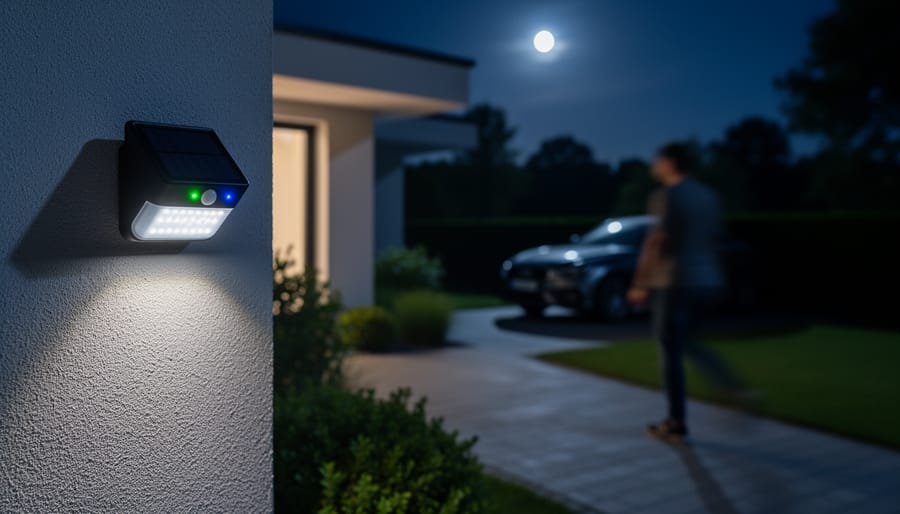
A lit sensor light at night verifies that the panel has charged and the motion detection is working as expected.
After finishing your maintenance work, you need to confirm everything’s actually functioning before calling it done. I learned this the hard way when I cleaned three lights in a row, only to discover later that one had a cracked housing I’d missed. Here’s how to verify your JD solar sensor light is back in top form.
Start with a daytime charge test. Place the light in direct sunlight for at least six hours, if the solar panel is clean and working, it should feel slightly warm to the touch after an hour or two in strong sun. Cover the sensor briefly with your hand; if the light tries to activate during this test, your sensor is responding properly to darkness.
Once evening arrives, conduct a full nighttime activation check. Stand at varying distances from the light and move across its detection zone. A properly maintained sensor should trigger the light consistently at its rated range, typically eight to twelve feet for most JD models. If it activates reliably and stays lit for the programmed duration, you’re in good shape.
Check the brightness against your memory of how it performed when new. The light should illuminate its coverage area clearly, not produce a dim, yellowish glow that signals weak batteries or panel issues. If runtime drops below four hours on a full charge, or if the light stopped working after rain despite your maintenance efforts, you likely have a weatherproofing problem that needs attention before the next storm rolls through.
Seasonal and Long-Term Care Tips
How often should you actually maintain your JD solar sensor light? It depends on where you live and what Mother Nature throws at you. In mild climates with moderate rainfall, a thorough cleaning every three months keeps most lights running smoothly. However, if you’re in a dusty area, near the coast where salt spray is a factor, or somewhere with heavy pollen, you’ll want to inspect and clean monthly during peak seasons.
I learned this the hard way when I moved from Arizona to the Pacific Northwest. My quarterly routine worked perfectly in the desert, but those first Oregon winters taught me that moss and constant moisture require more frequent attention. Now I adjust my schedule based on what I see during quick weekly walk-bys, if the panel looks grimy or the light seems dimmer, I don’t wait for the calendar to tell me it’s time.
Tip: Charles’s quarterly checklist: clean panels and sensors, test battery voltage, check all seals, and verify full brightness on a clear night, takes 15 minutes per light and catches 90% of issues before they become problems.
Winter presents special challenges depending on your region. In areas with freezing temperatures and snow, consider bringing your JD lights indoors for storage if they won’t be needed. If you keep them outside, brush off heavy snow accumulation that blocks the panel, but resist the urge to chip away ice, let it melt naturally to avoid cracking the housing. Before storing lights for winter, clean them thoroughly, remove the batteries, and keep everything in a dry location.
For year-round outdoor use, I keep a simple spreadsheet tracking each light’s location and last maintenance date. When I spot an issue with one light, I check the others in similar conditions. This pattern recognition has saved me from reactive scrambling and turned maintenance into a manageable routine that actually protects my investment.
Troubleshooting Common JD Solar Sensor Light Issues
Even after cleaning and maintenance, you might run into stubborn issues with your JD solar sensor light. If your solar light won’t turn on check whether you’ve removed the battery pull-tab (many new units ship with these), ensure the battery has charged for a full sunny day, and verify the power switch is in the ON position. Sometimes the simplest oversight is the culprit.
Dim output usually points to a failing battery or panel buildup you missed. I’ve found that even a thin film can cut efficiency by half, so go over the panel again with distilled water. If the light still seems weak, the rechargeable battery likely needs replacing, most last 1-2 years before degrading noticeably.
When the motion sensor doesn’t trigger, double-check that you cleaned the lens thoroughly and that nothing blocks its field of view. Overgrown plants or new objects can obstruct detection. Also confirm the sensitivity settings haven’t been accidentally adjusted. Short runtime after dark typically signals battery trouble or insufficient daytime charging. Move the light to a sunnier spot for a few days and see if performance improves.
Why does my JD solar light turn on during the day?
The photocell sensor is likely dirty or malfunctioning. Clean the light sensor (usually near the panel) gently with a soft cloth. If that doesn’t work, the sensor may need replacement.
How can I tell if the battery is dead?
Remove the battery and test it with a multimeter, it should read close to its rated voltage (typically 1.2V for NiMH). If it reads significantly lower or won’t hold a charge after a full sunny day, replace it.
Check for loose connections in the battery compartment and ensure the contacts are clean and corrosion-free. Tighten any loose wiring gently. Flickering can also indicate a dying battery.
My light worked fine, then suddenly stopped after rain, what happened?
Moisture likely entered the housing through a compromised seal. Open the unit, let it dry completely for 24 hours, check for corrosion on contacts, and reseal any gaps with clear silicone sealant.
For persistent problems that maintenance can’t solve, you may need to fix solar lights fast by replacing individual components like the LED array or sensor module. Most JD models use standard parts you can source online. I keep spare batteries and a small tube of silicone sealant on hand, they’ve saved me from unnecessary replacements more times than I can count.
Keeping your JD solar sensor lights running at their best doesn’t require much, just a few minutes every couple of months and the willingness to stay on top of it. I’ve found that the lights I maintain regularly still look and perform like new years later, while the ones I neglect end up dim or dead within a season. It’s that simple.
Set a reminder on your phone right now for quarterly maintenance. Your future self will thank you when those lights fire up reliably every night instead of leaving you fumbling in the dark.
I’d love to hear how you maintain your solar lights. Drop a comment below with your best tips or any challenges you’ve faced, this community thrives when we share what works (and what doesn’t). If you’re curious about upgrading your setup or tackling other solar projects, check out our reviews and DIY guides. There’s always something new to try, and you’ve already proven you’ve got the skills to handle it.
Your solar lights are counting on you. Give them the care they deserve, and they’ll keep shining for years to come.
How useful was this post?
Click on a star to rate it!
Average rating 0 / 5. Vote count: 0
No votes so far! Be the first to rate this post.
We are sorry that this post was not useful for you!
Let us improve this post!
Tell us how we can improve this post?
charlesnoble
Here at Spheral Solar, I’m a hands-on solar power enthusiast, constantly exploring and experimenting with DIY solutions. I’m dedicated to sharing my discoveries, insights, and even the bumps I hit along the way, all in the pursuit of a more sustainable future.
Why Your Solar Area Lights Keep Failing (And How to… by Charlesnoble April 21, 2026 Mount your solar area lights where they’ll receive at least 6-8 hours of direct sunlight daily, avoiding shade from trees, buildings, or eaves that can cut charging efficiency by 70% or more. I learned this the hard way when my driveway lights barely lasted two hours each night until I…
Why Your Solar Path Lights Keep Failing (And Which… by Charlesnoble January 11, 2026 Look beyond the advertised lumens and focus on actual light distribution patterns when comparing lantern solar path lights—a 10-lumen fixture with a well-designed diffuser will outperform a 20-lumen light with poor optics every single time. I learned this the hard way after installing my first set of bargain solar lights…
10 Best Outdoor Solar Lights in 2026 by Adeyomola August 30, 2021 You will get the best experience with outdoor solar lights when you opt for lights with good solar panels and long lighting times. But besides that, ensure your choice can charge quickly and offers sufficient brightness. Such a selection will give you a complete experience. In the interest of transparency,…
9 Best Solar Step Lights in 2026 by Nick September 12, 2021 Whether for aesthetic purposes or protection while walking up your steps at night, having solar step lights covering every step is a necessity. On top of the added protection, these solar lights should also look incredible. There is nothing sleeker than a low spread of protective lighting. In the interest…
10 Best Rechargeable Batteries for Solar Lights by Nick April 23, 2021 While lithium-ion batteries have long been touted as the future of the solar battery world, some close rivals are giving them a run for their money. This blog post gives you a closer look at the best rechargeable batteries for solar lights currently available for solar light applications. In the…
4 Best Solar Deck Lights of 2026, Tested and Reviewed by Charlesnoble August 8, 2026 In the interest of transparency, we earn a commission on some purchases made through links on this site. As an Amazon Associate I earn from qualifying purchases. After testing solar deck lights across multiple months of evening use, we found the VOLISUN Solar Deck Lights 16 Pack deliver the best…
Subscribe for handpicked DIY projects, exclusive tips, and giveaways.
Keeping your JD solar sensor light functioning at peak performance requires three simple maintenance steps: regular cleaning of the solar panel and sensor, seasonal battery checks, and proper winter storage. Most owners can complete a full maintenance cycle in under 15 minutes using household supplies, and doing so twice a year will typically extend your… Read more: How to Maintain and Care for Your JD Solar Sensor Light (Step-by-Step)
After testing a range of portable power stations with real RV loads, we found the Growatt INFINITY 2000 PRO Portable Power Station delivers the best balance of capacity, runtime, and solar charging speed for extended off-grid trips. It powered a combination of fridge, lights, and roof vent reliably through multi-day boondocking sessions, and its fast… Read more: 7 Best Portable Power Stations for RV in 2026, Tested
Standard 9V batteries typically deliver 400 to 600 mAh capacity, though the exact number depends on battery chemistry and discharge rate. Alkaline 9V batteries average around 500-565 mAh, while rechargeable NiMH versions offer 200-300 mAh, and lithium variants can reach 1200 mAh under ideal conditions. Understanding these numbers matters when you’re designing a solar backup… Read more: How to Convert 9V Battery Capacity to mAh (And Why It Matters for Your Solar Projects)